
By Mirelo Team |
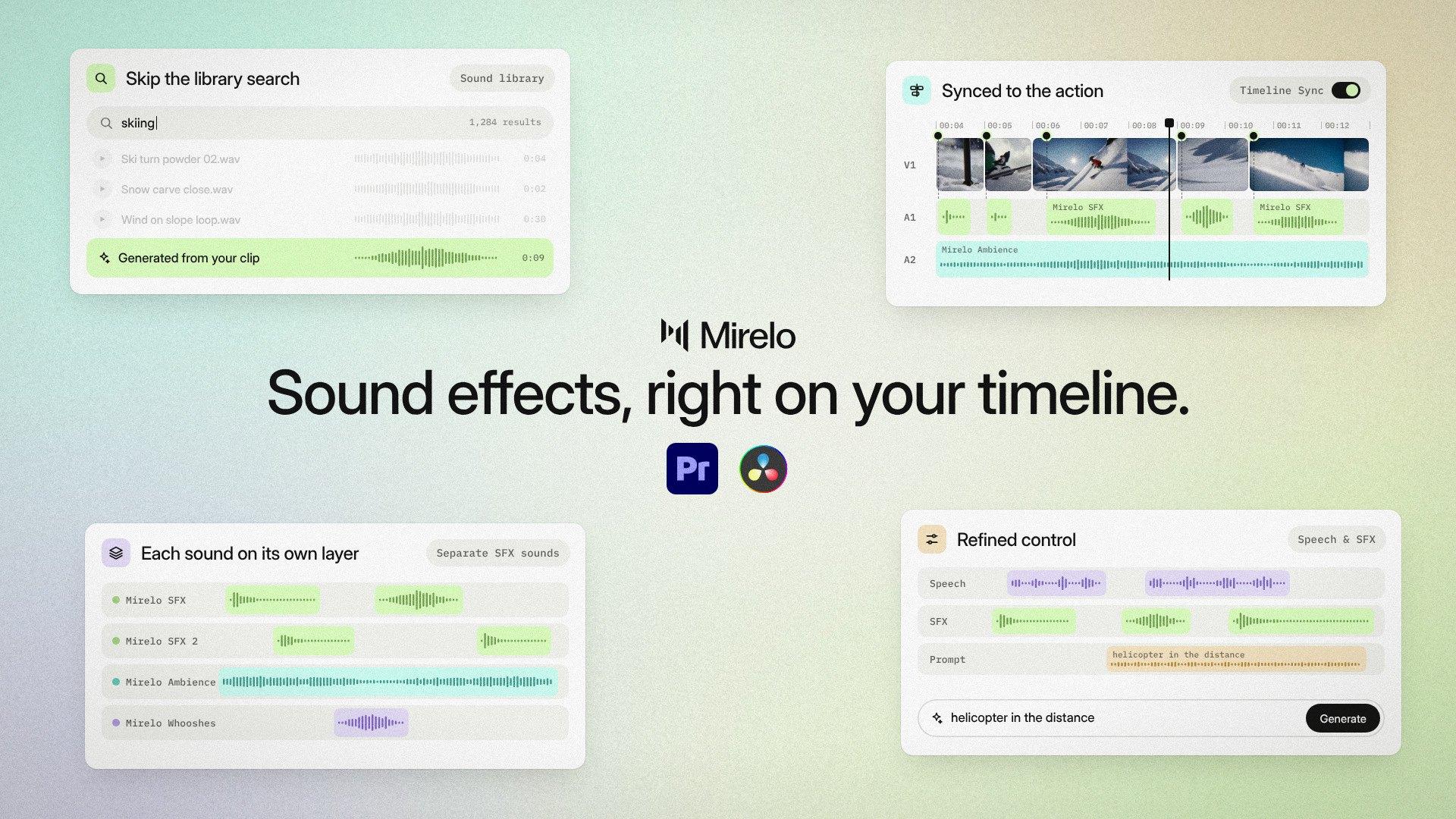
The Mirelo plugins for Adobe Premiere and DaVinci Resolve Studio generate sound effects, foley and ambience from your footage and place them on your timeline, in sync with the action. Select a range on the timeline and Mirelo reads the shots, generates the sound and drops it where it belongs, so you never export the video or search a sound library to get a first sound pass. The plugins use the same Mirelo account and credits as Mirelo Studio.
The first cut is due this afternoon and it is still silent, which is the version that makes a client nervous. Until now the fix was a library subscription and an hour of searching, listening, downloading, importing and nudging every footstep and door sound into place, shot by shot. Most ads, social media cut-downs and branded films have no sound designer on the job, so the editor who cuts the video also does the first sound pass, and that hour comes out of the time meant for editing.
Select the in and out points of a scene, generate, and the cut goes to review with synced effects and ambience already under it. Footsteps on snow, a can dropping into water, a door closing at the end of a corridor: the rough sound pass that used to wait for the end of the project is there from the first version.
Library results rarely match the shot you have, so you listen to five or ten versions of a sound and still settle for something close. Mirelo works from the footage itself, so the sound fits what happens on screen and where it happens, and a scene in a quiet hallway does not sound like one in a busy street.
On bigger jobs a mixer finishes the sound, and they need more than one flat track. With each sound on its own layer and your original dialogue track kept, you can duck effects under speech, swap the one sound that is wrong and hand over a pass that is ready to finish.
Clips from video models often come with audio that does not fit, or music you never prompted for, and every clip sounds like a separate generation once they are stitched together. Bring them into Adobe Premiere or DaVinci Resolve, replace the sound on the assembled sequence and keep any dialogue you want to hold on to.
Reels, TikToks, launch videos and ads live on punchy sound: a whoosh on the transition, an impact on the cut, a click on the UI. Generate them against the frames they belong to, without leaving the edit to hunt for them.
| Adobe Premiere | DaVinci Resolve | |
|---|---|---|
| Version | Adobe Premiere 25.6.1 or later | DaVinci Resolve Studio (the free version does not support third-party plugins) |
| Install | Adobe Exchange, then Creative Cloud > Manage Plugins | Installer for macOS (.pkg) or Windows (.exe) |
| Where to find it | Window > UXP Plugins > Mirelo AI | Workspace > Workflow Integrations > Mirelo AI |
| On the timeline | Timeline Sync places the audio in position | Timeline Sync places the audio in position |
| Account | Your Mirelo account and credits | Your Mirelo account and credits |
For more on the model behind the plugins, read Mirelo SFX 2.0: change the sound, keep the video, and for a closer look at keeping speech while changing everything around it, see Add AI sound effects without losing dialogue.
No. The plugins work on the range you select on your Adobe Premiere or DaVinci Resolve timeline and place the generated sound back on the same timeline, so there is no export, upload or re-import step.
No. The Mirelo plugin needs DaVinci Resolve Studio, because the free version of DaVinci Resolve does not support third-party plugins.
Mirelo currently works in Adobe Premiere. You install it from Adobe Exchange and open it under Window > UXP Plugins > Mirelo AI.
Yes. Mirelo SFX 2.0 detects the speech in your clip, keeps it and generates the new effects and ambience around it, so you can change the sound without losing the take.
Yes. You can generate the sounds as separate layers on your timeline, so you or a mixer can duck, swap or rebalance them.
The Mirelo plugins generate sound for up to 10 minutes of your timeline at a time, so for longer edits you work through the timeline one range at a time.
The plugins are free to download and use the credits in your Mirelo account, the same credits as Mirelo Studio. See pricing for the free and paid plans.