
Mirelo
  • Mirelo SFX
  • Audio-to-MIDI
  • API Documentation
  • Studio
  • Gibberize
  • Audio-to-MIDI
  • MCP
  • Adobe Premiere
  • DaVinci Resolve
  • Roblox
  • Company
  • Studio Docs
  • Blog
  • Pricing
Open Studio
Loading page
Mirelo

Bring your videos to life with synced, spot-on audio — the easy way

Contact Us
XInstagramDiscordLinkedInTikTok

Company

  • About us
  • Careers
  • Support

Legal

  • Security
  • Terms of service
  • Acceptable use policy
  • Privacy policy
  • Cookie policy
  • Imprint
  • Report a concern

Product

  • Go to Studio
  • Mirelo SFX
  • Gibberize
  • Audio-to-MIDI
  • Mirelo MCP
  • Pricing
  • API Docs
  • Studio Docs
  • Changelog

©2026 - Mirelo AI GmbH All rights reserved

DaVinci Resolve Studio

AI-powered sound.Inside DaVinci Resolve.

Mirelo AI generates and syncs sound effects and music with Mirelo SFX directly in DaVinci Resolve Studio — no context switching needed.
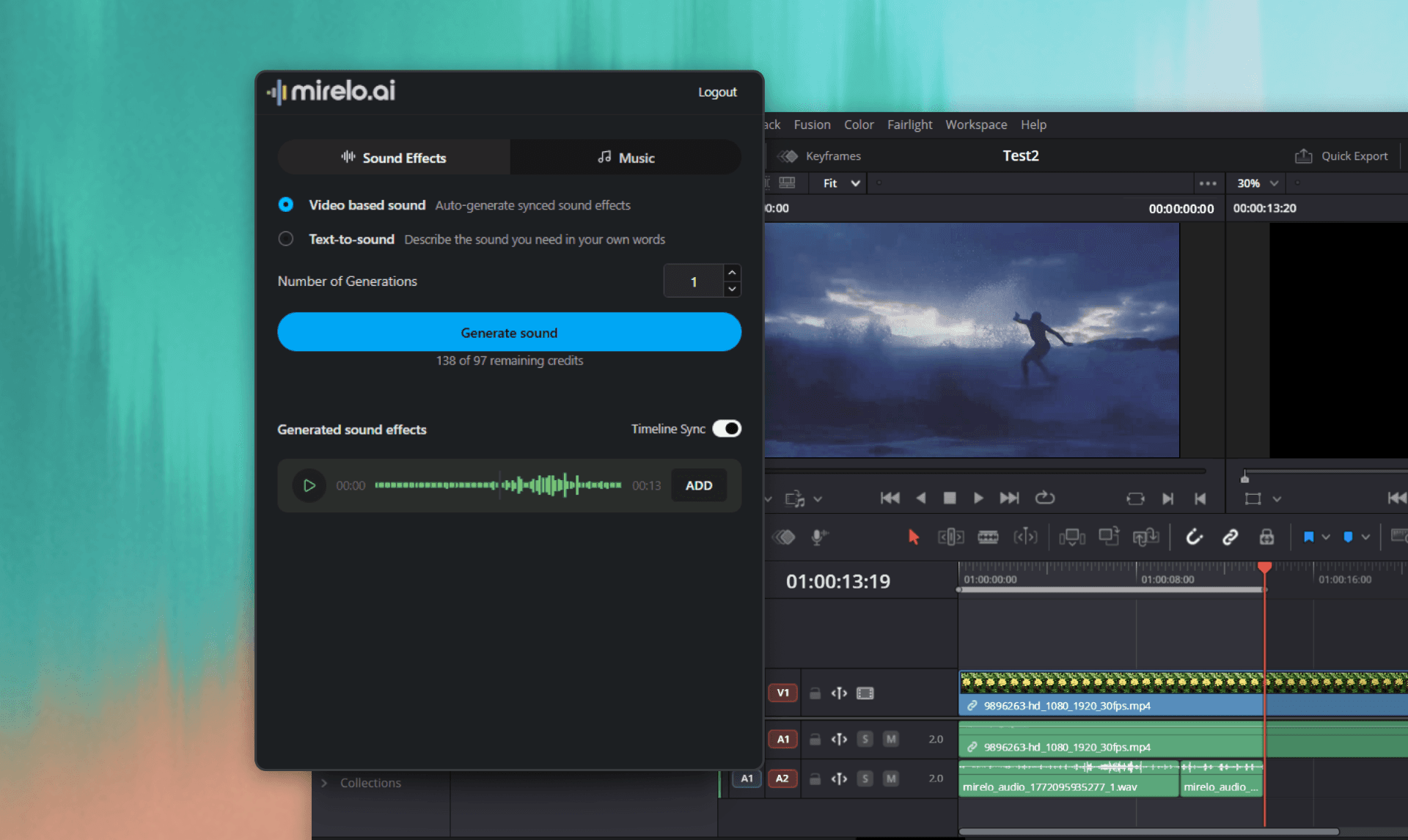
Mirelo AI plugin inside DaVinci Resolve

Scan your footage. Get the sound.

Select a clip in DaVinci. Mirelo reads your visuals and generates perfectly matched sound effects automatically.
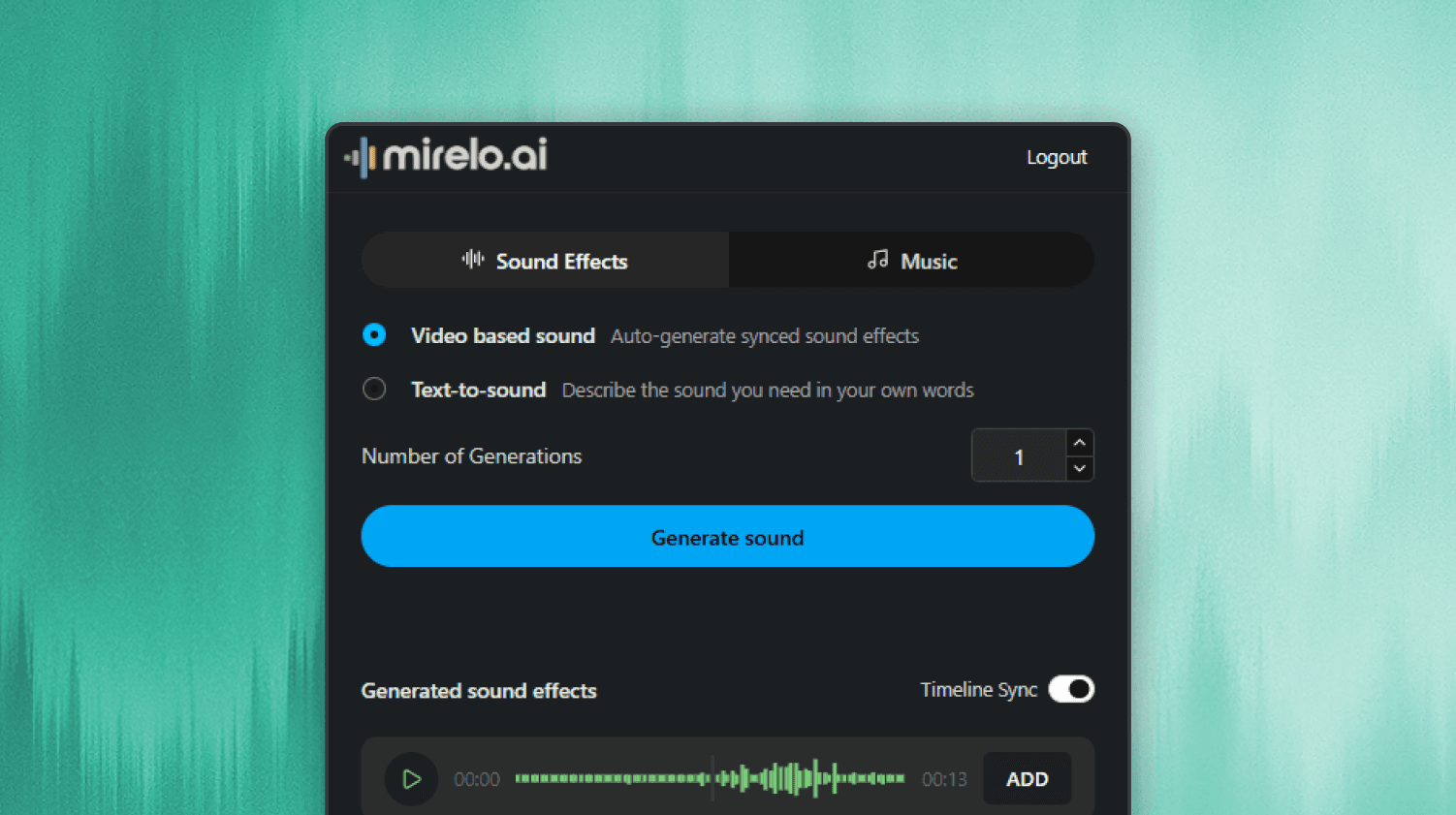
Scan your footage. Get the sound.

Describe it. Hear it.

Just describe the sound you need and Mirelo generates it instantly — no library browsing required.
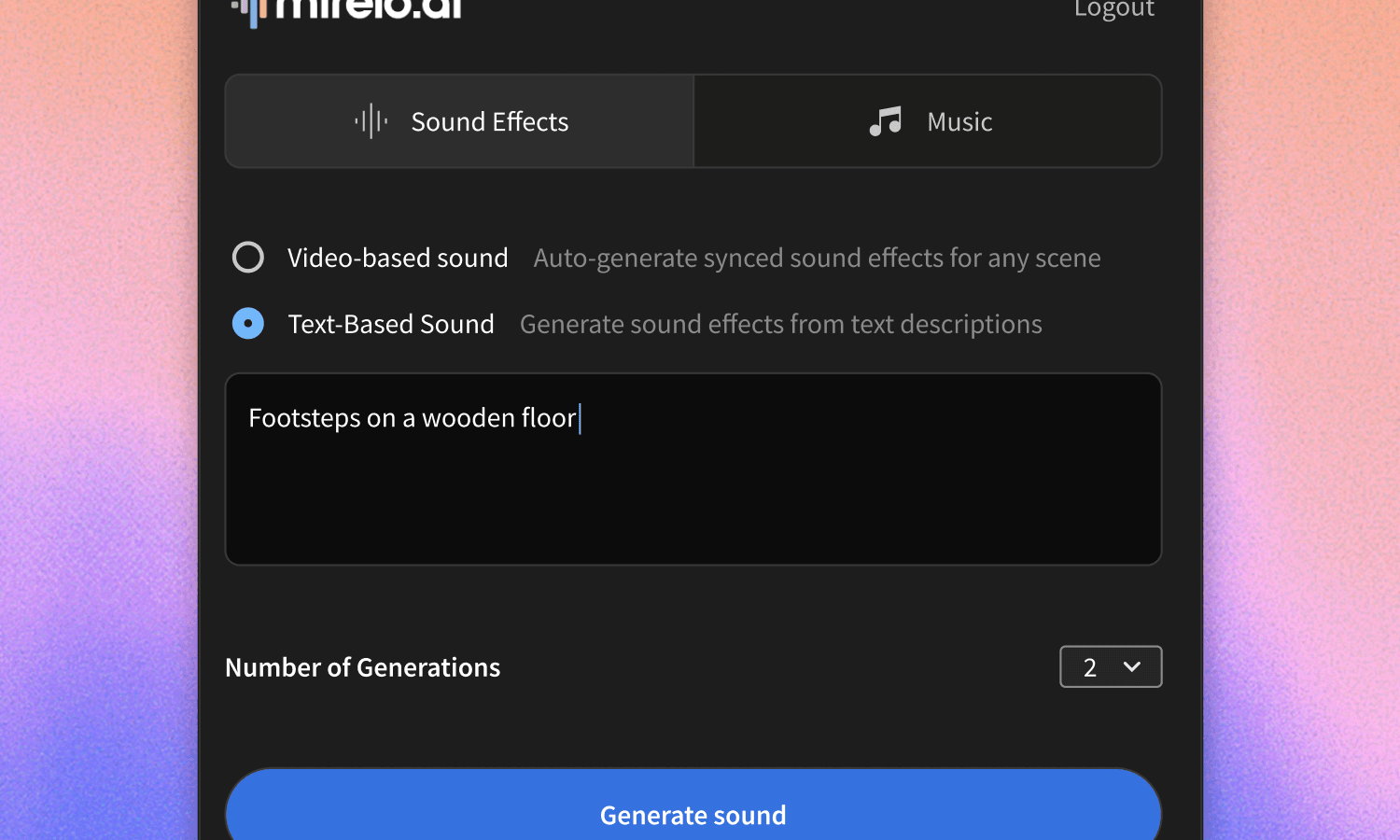
Describe it. Hear it.

Stay in your flow.

Generated audio syncs directly to your DaVinci timeline. No importing, no file management.
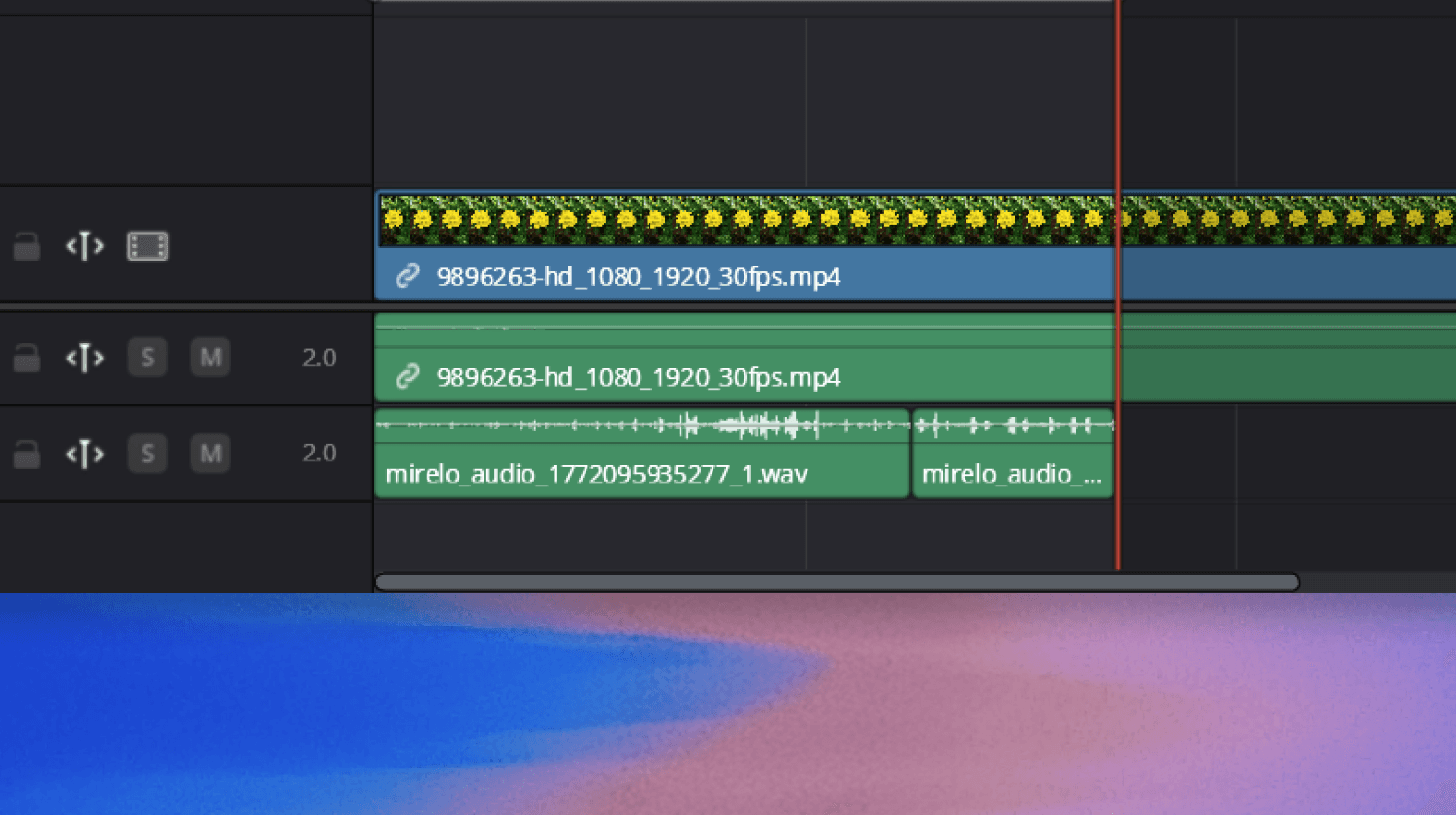
Stay in your flow.

Frequently asked questions

Start generating.Stay in your flow.