
Mirelo is an AI plugin for Roblox Studio: describe the effect you need, generate it in seconds, and publish it to your Roblox account without leaving Studio. Right now, it's completely free.
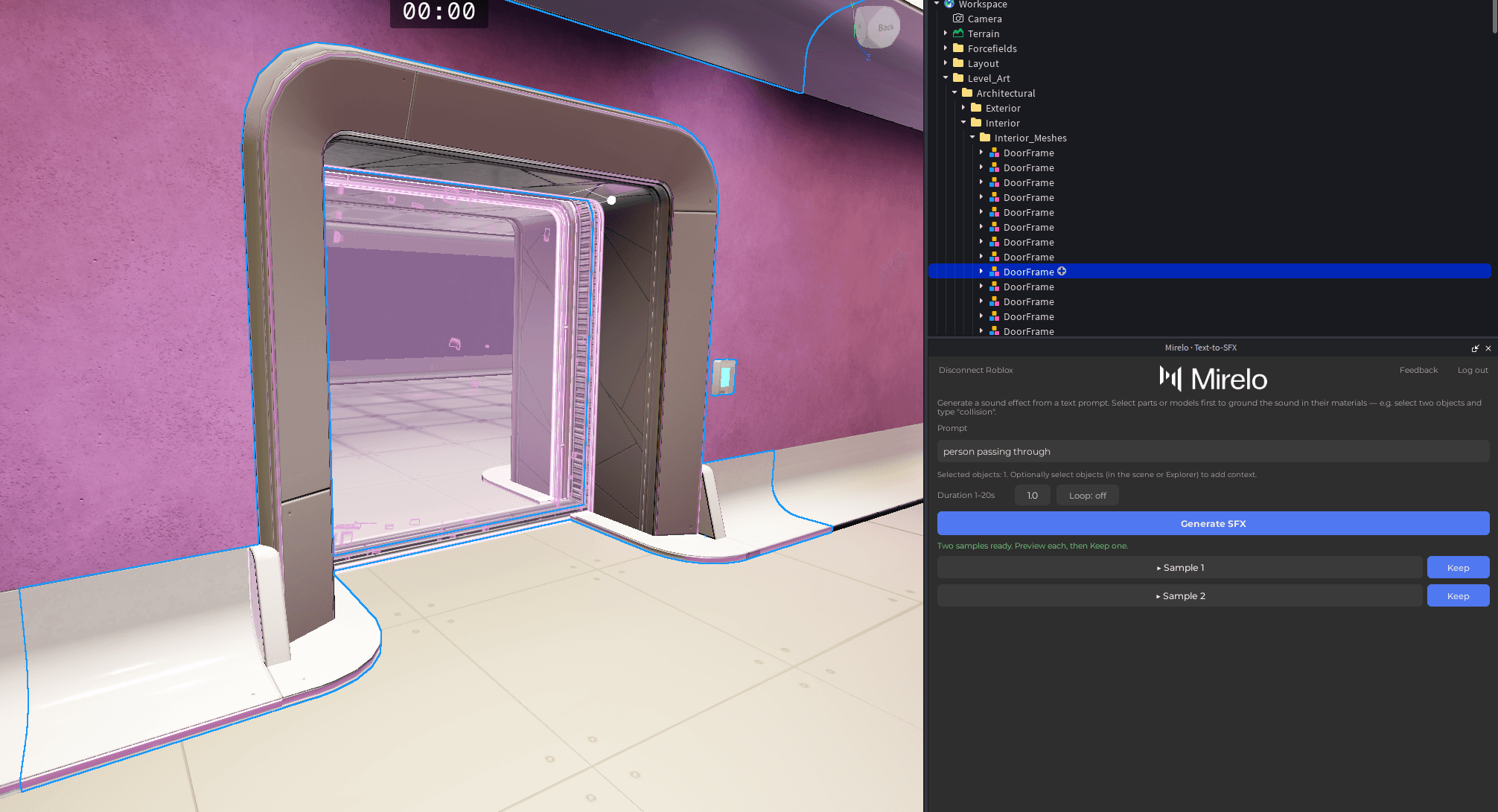
Type what you need — a coin pickup, a footstep, an explosion — and Mirelo generates a matching sound effect in seconds.
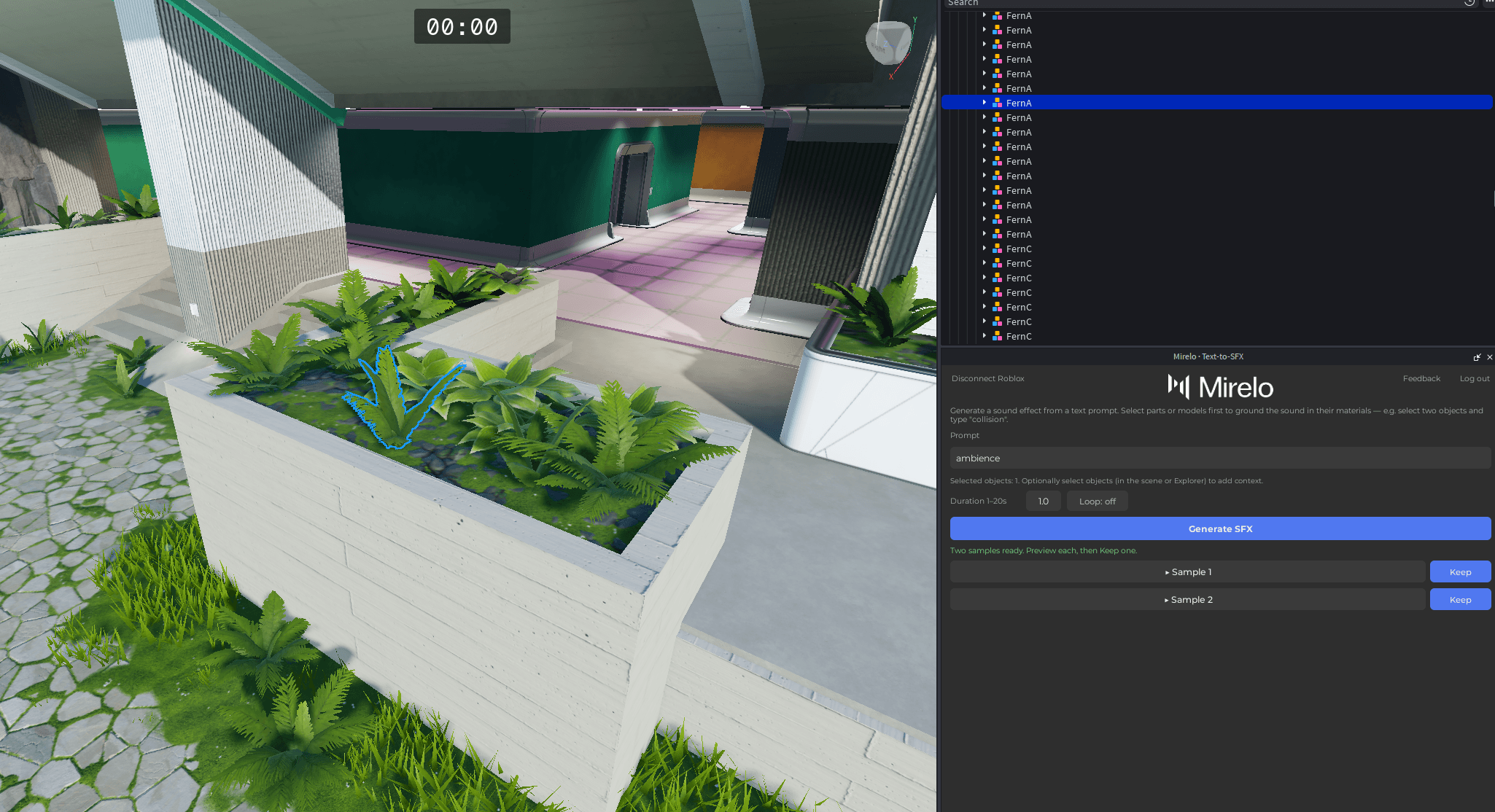
Generated audio is published to your Roblox account and ready to drop into your experience — no manual import, no file wrangling.
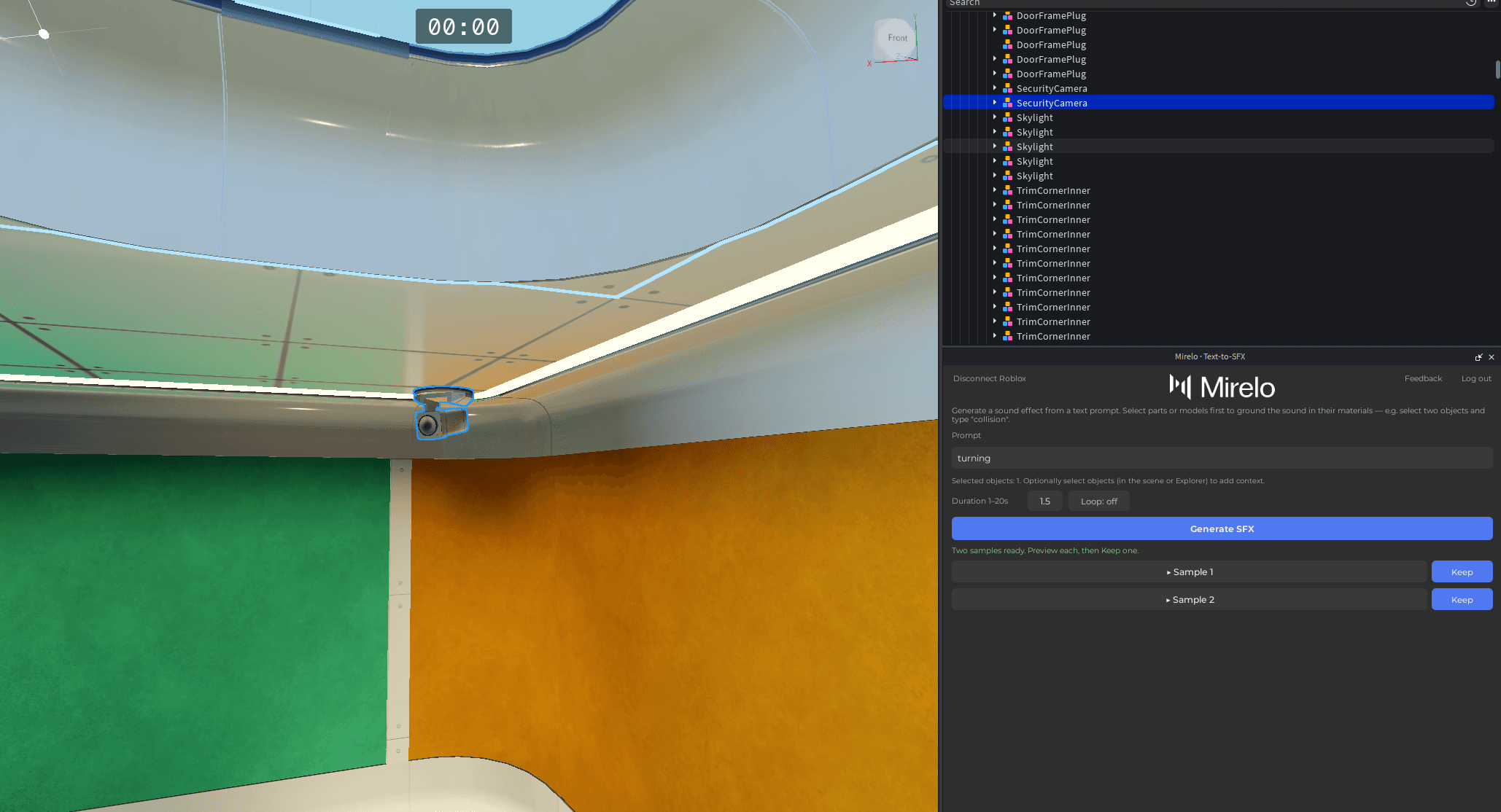
Generate, preview, and add sound without leaving Roblox Studio. Keep building while the audio comes to you.
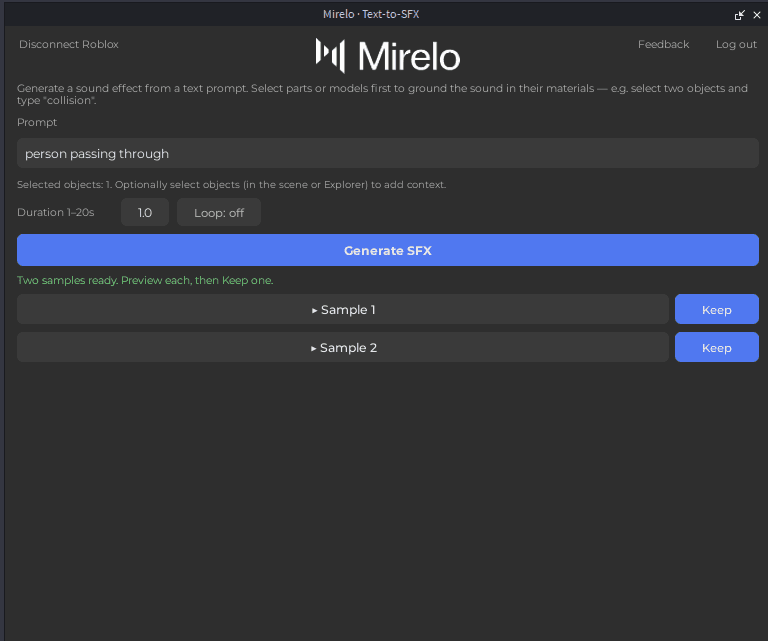
Install Mirelo from the Creator Store, then generate and publish sounds without leaving Roblox Studio.
Open the Mirelo listing on the Roblox Creator Store and add the plugin to Roblox Studio.
Open Mirelo from the Plugins tab. If the button is missing after installation, restart Studio.
Sign in with your Mirelo account in the browser, then approve audio uploads to your Roblox account. After that, generate from a prompt without leaving Studio.
This is an AI plugin that runs in Roblox Studio, not a separate editor. Prompt, preview, and keep a sound while you keep building the experience.
Describe a coin pickup, footstep, or explosion. Mirelo generates a matching effect and publishes it to your Roblox account so you can drop it into the game.
The Roblox Studio plugin is free to use right now. Fair-use daily limits keep generation available for everyone; we will give notice before that changes.