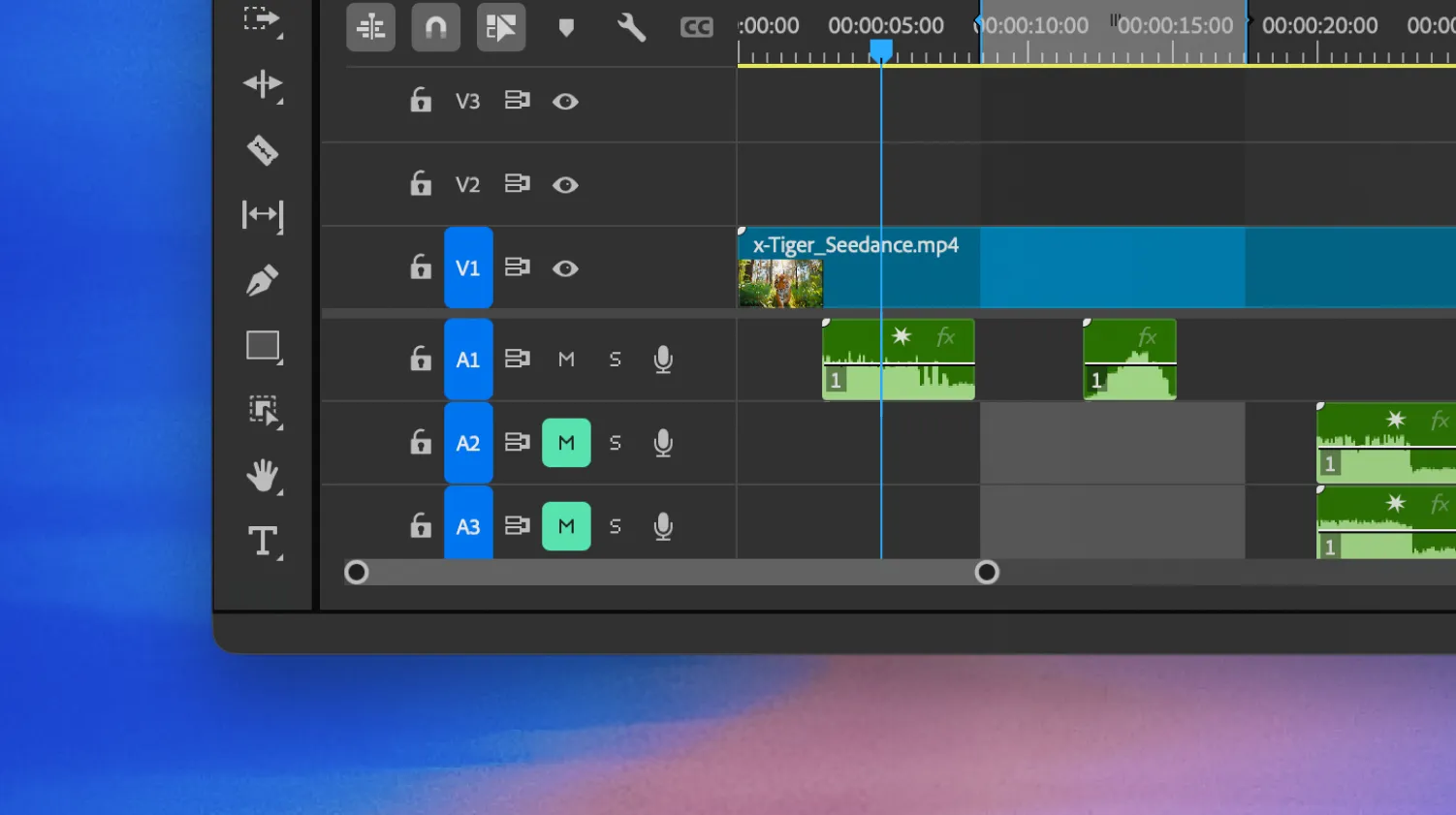
Mirelo AI generates synced sound effects and music inside Adobe Premiere Pro with Mirelo SFX. No tab switching. No file hunting.
Download plugin
Go to Adobe Exchange and download the Mirelo AI plugin.
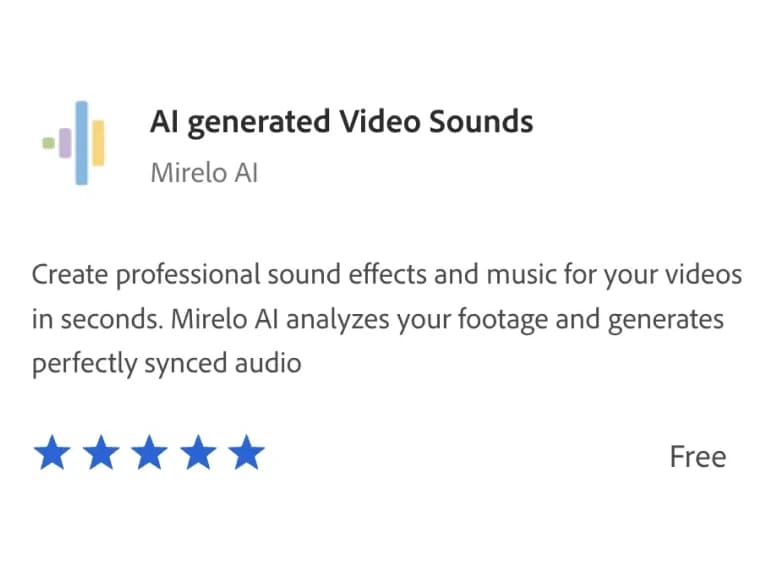
Open Creative Cloud. Find the plugin under Manage Plugins and click Install.
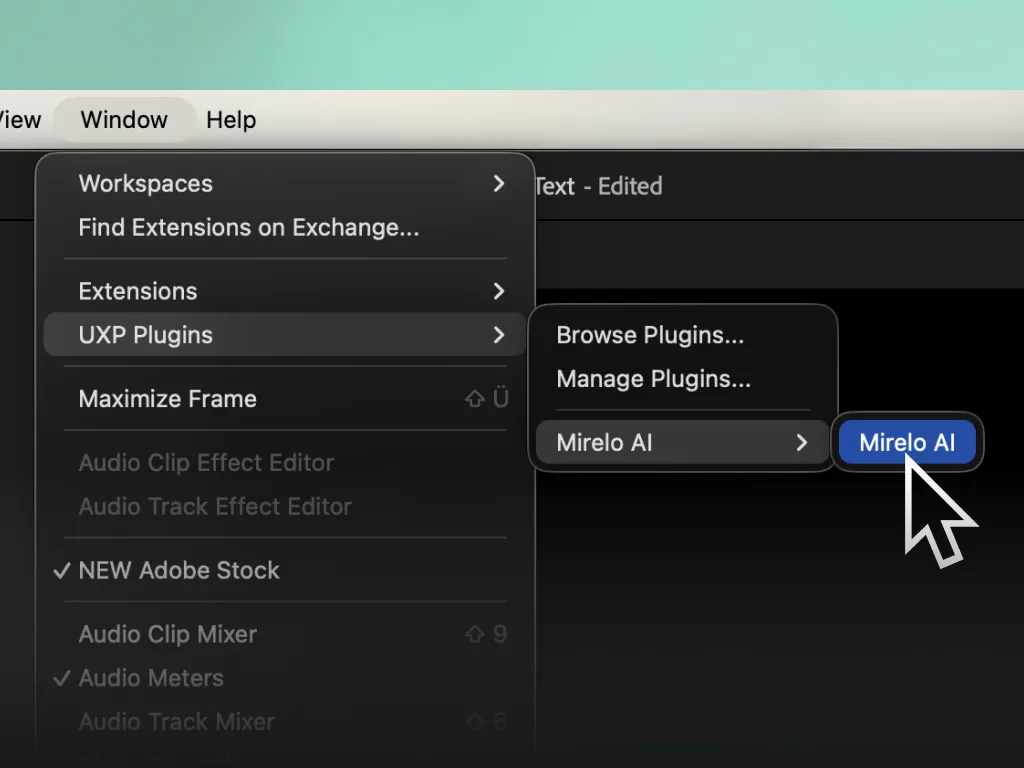
Open Premiere Pro. Go to Window > UXP Plugins > Mirelo AI.
Select a clip. Mirelo reads your visuals and auto-generates perfectly synced sound effects — no prompting required.
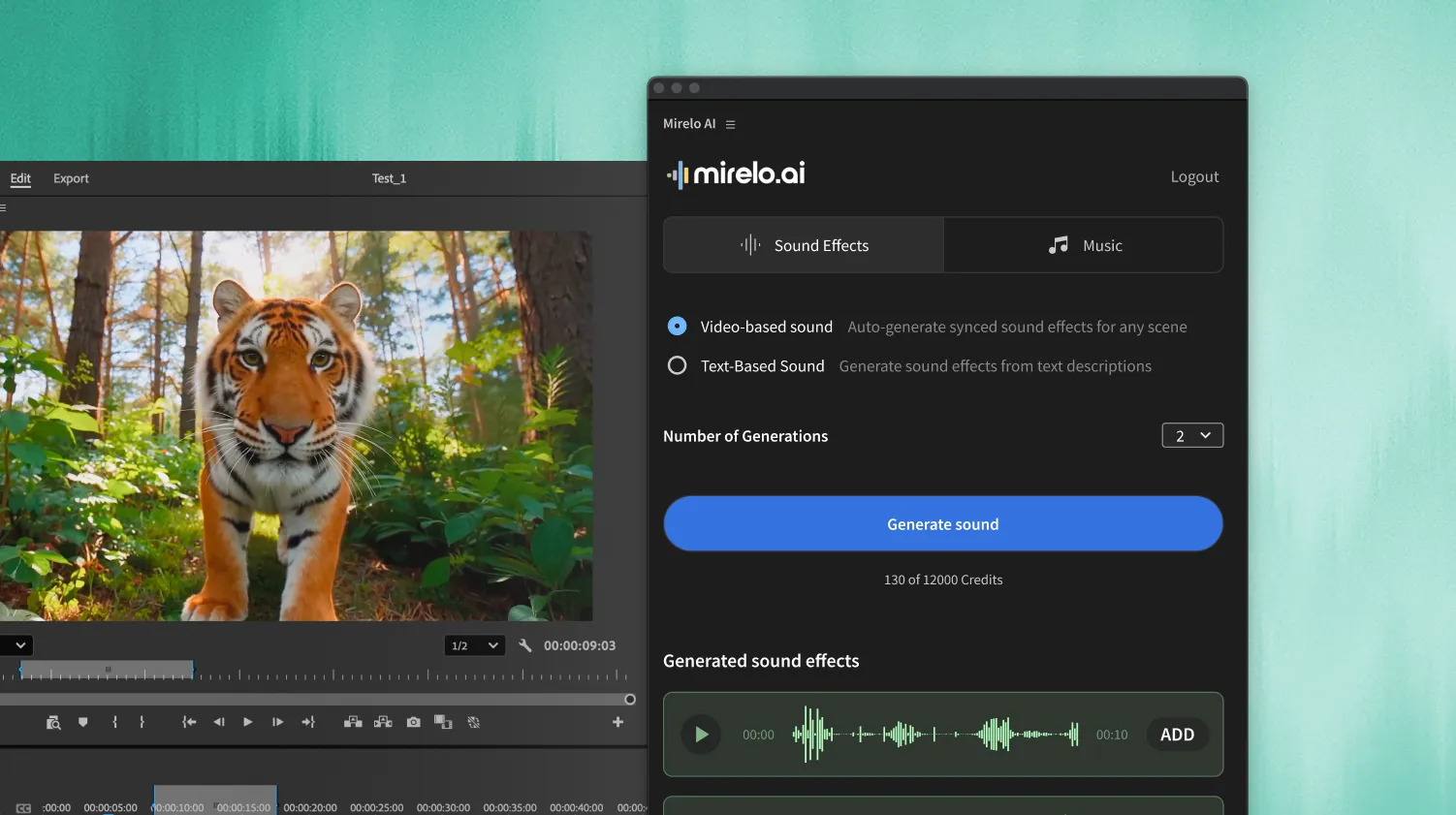
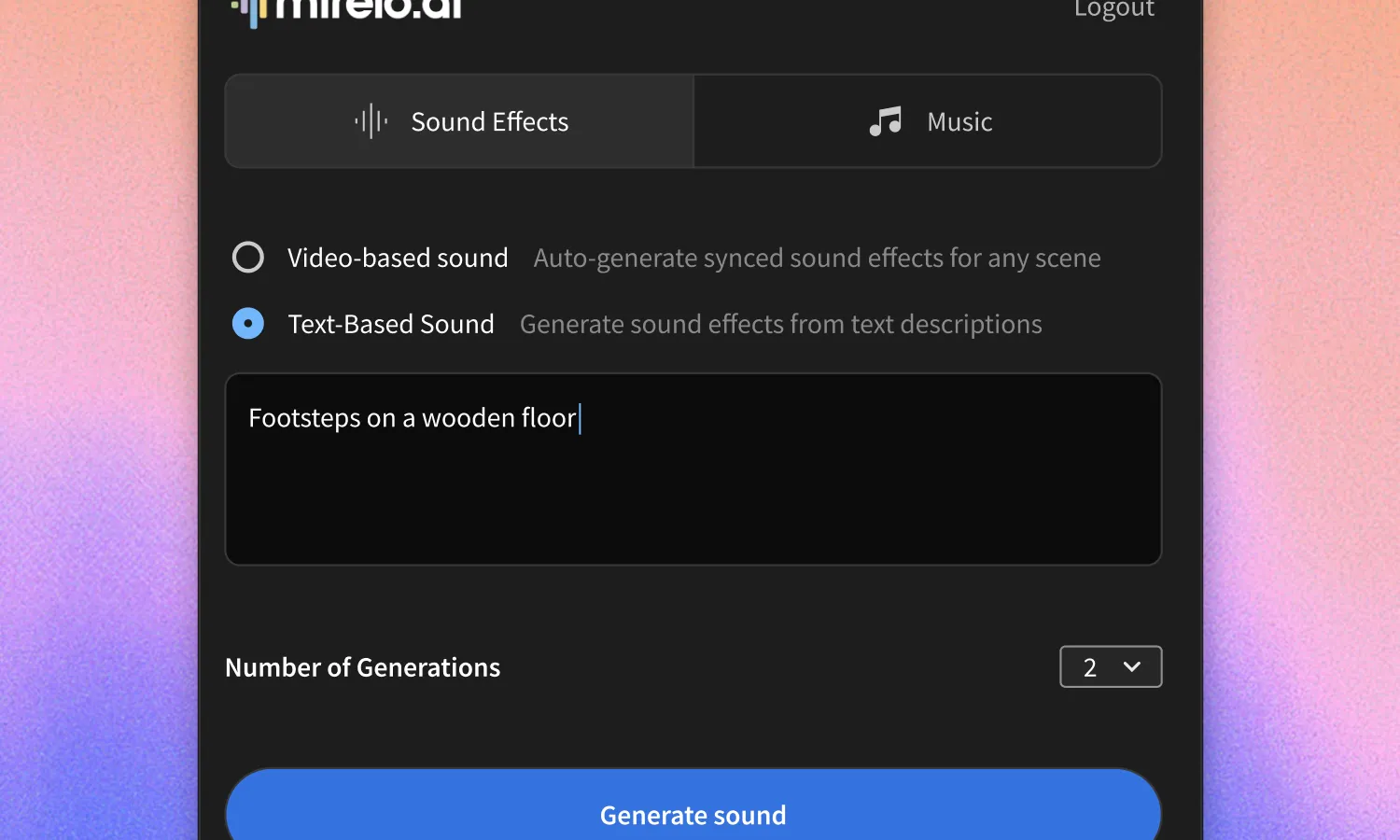
Not sure what you need? Just describe the sound in plain language and Mirelo generates it instantly.
Generated audio drops directly into your Premiere Pro timeline at the right moment. Toggle Timeline Sync and it just works.