
By Mirelo Team |
riffle built Convert to MIDI on Mirelo's Audio-to-MIDI API, which turns any sound on its canvas into a playable instrument. Within six weeks of launching, nearly 1 in 11 people making music on riffle had used it.
riffle is a collaborative music studio that lives in your browser. Instead of dropping you into a traditional DAW timeline, it gives you an infinite canvas to play and create music on.
The model behind Convert to MIDI is Audio-to-MIDI Pro, Mirelo's most accurate audio to MIDI converter. Upload a full mix or a whole song, and it returns editable MIDI for every instrument it hears, which is usually called multi-instrument or polyphonic transcription.
We build the transcription, so riffle can give their users the kind of musical experience their canvas was designed for.
On a riffle canvas, audio, lyrics, visuals, references, and half-baked ideas can all sit together in a single place. You can drag them in, sketch them out, experiment, and then switch into a more familiar timeline view when it's time to finish the track.
It's also built for making music with other people. Friends can leave comments and edit the same board in real time from anywhere in the world, and when you're done, you can share the track straight from riffle as a playable link.
riffle also has an AI assistant ('Sous Chef'), but it's not what you'd expect. Sous Chef can't make a whole song. Instead, it helps with the ingredients (samples and loops) and handles the production grunt work you'd rather skip.
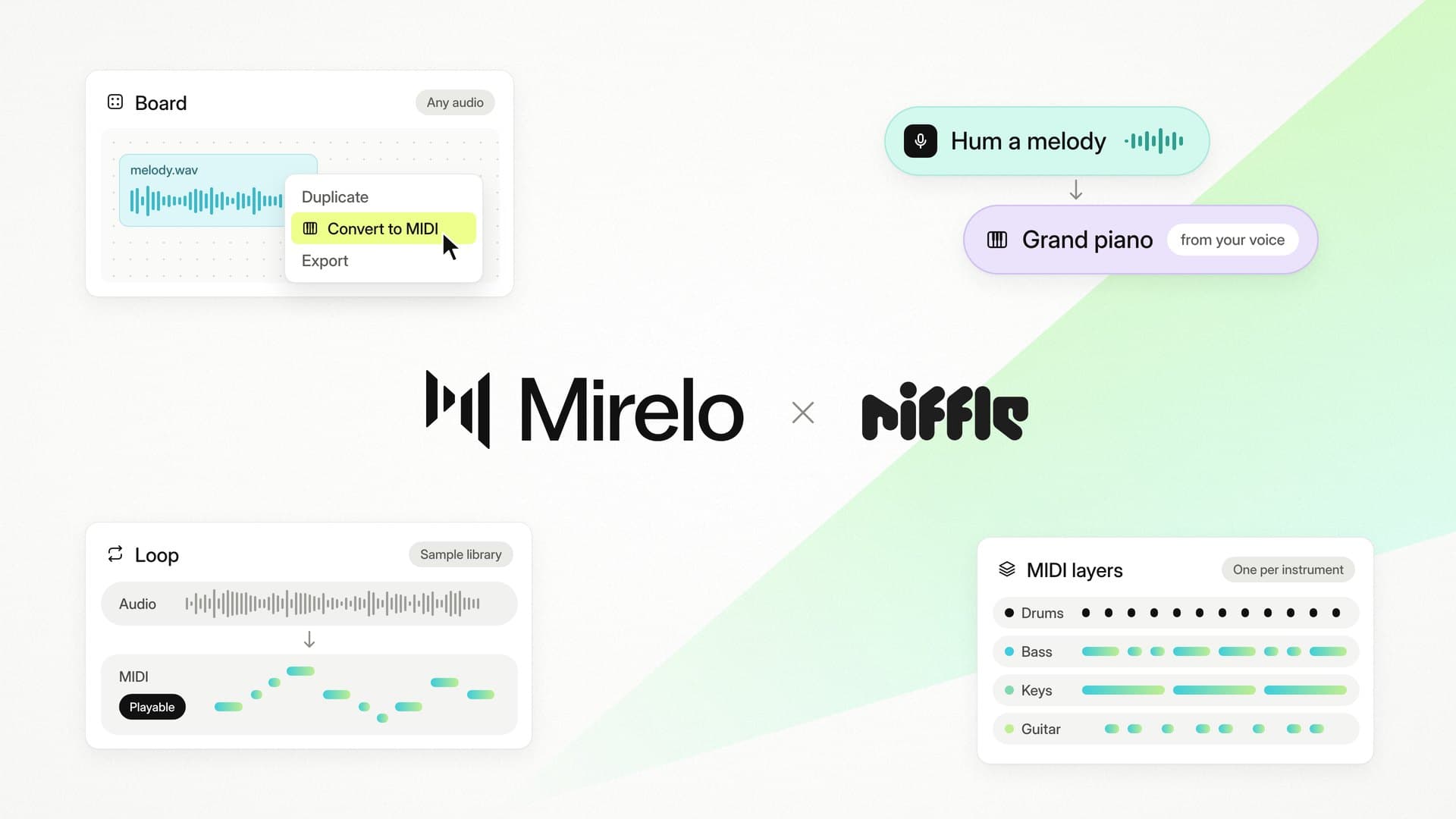
Convert to MIDI runs on Mirelo's Audio-to-MIDI API. Right-click any piece of audio on a riffle board and it'll break it down into the instruments it hears, creating a separate instrument track for each one with a matching sound.
Under the hood, Audio-to-MIDI Pro converts the full mix directly. It tags each note by instrument and sends it back while the rest of the audio is still being processed, which is why the MIDI starts appearing live on the board. Audio-to-MIDI Pro also improves on the previous model across several evaluation sets, with drums improving most.
More than a third of riffle users who tried Convert to MIDI have come back to use it again, and as one riffle user put it:
"I've been looking for something like this for a while: a musical workspace where I can get my ideas down quickly rather than being limited by not knowing the chords."
Yes. On riffle, you right-click any piece of audio on a board and Convert to MIDI breaks it into a separate instrument track for each instrument it hears, without leaving the browser. Developers can build the same thing into their own product with Mirelo's Audio-to-MIDI API.
Yes. Hum, sing or record any sound into riffle, and Convert to MIDI gives you an instrument track on your canvas that you can swap to another instrument, move into the song's key or edit note by note.
Use Mirelo's Audio-to-MIDI API, the same API riffle built Convert to MIDI on. Send a full mix and you get back editable MIDI for every instrument it hears, with the full reference at mirelo.ai/api-docs.
Convert to MIDI is live on riffle. If you want to build something like it, the Audio-to-MIDI API is documented at mirelo.ai/api-docs, and you can try Audio-to-MIDI Pro directly at mirelo.ai/audio-to-midi. For how Audio-to-MIDI Pro compares with the previous model, read mirelo.ai/blog/audio-to-midi-pro-api.