
By Mirelo Team |
New sound. Same dialogue. Your music.
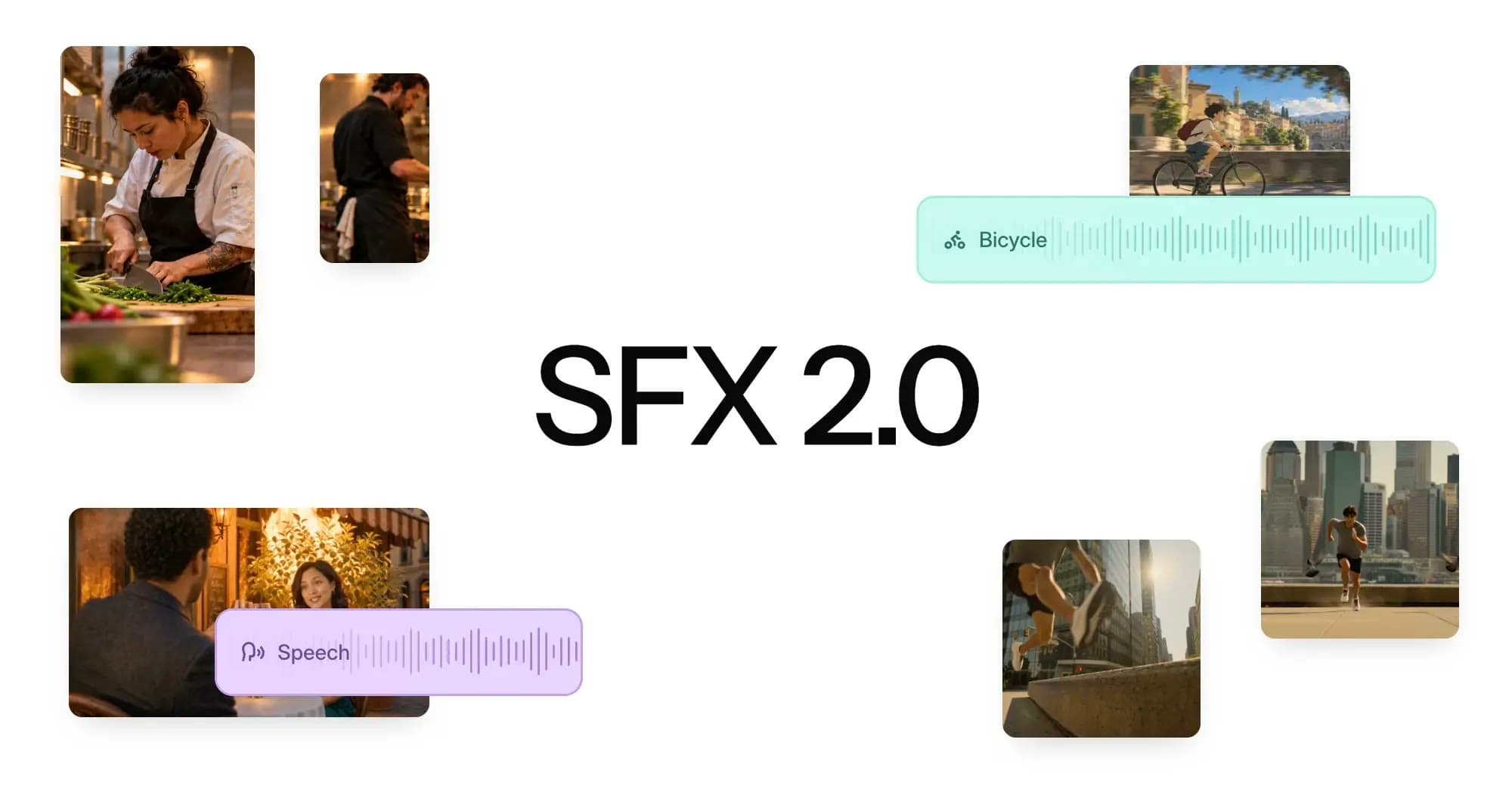
Mirelo SFX 2.0 is a video-to-sound model that lets you change a video’s audio without regenerating its original video. It preserves the dialogues, removes unwanted music, and generates sound effects, foley, and ambience synced to the action and coherent across cuts. Mirelo Studio and the API support videos up to 10 minutes. Unlimited duration is available upon request through the Enterprise tier.
Upload a video and Mirelo SFX 2.0 video-to-sound will:
When a video model co-generates the audio along with the video, you cannot change the audio without regenerating the whole clip, which is time consuming, expensive and frustrating. Sound libraries and text-to-sound tools do not provide a good alternative, because they do not see the video: every effect has to be found, trimmed and lined up by hand. Instead, Mirelo SFX 2.0 starts from the footage, which is why the sound lands where the action does.
Mirelo SFX 2.0 unlocks new workflows for creators, and new standards for video agents:
SFX 2.0 is built around four things creators need to do once a video exists.
Text-to-sound models work from prompts, not the video itself. Without visual context, they can’t reliably match sound to the action and timing on screen. By using the video as its main input, Mirelo SFX 2.0 ensures that its output is in sync with the visuals, and fits the scene's acoustics and ambiance and doesn't sound the same whether it takes place outside in a park or inside in a cathedral. If you have spent hours in Premiere Pro nudging one sound effect to match a four-second generated close-up, this is the step Mirelo SFX 2.0 does for you.
We compared Mirelo SFX 2.0 against other video-to-sound models and against the audio that video generation models produce natively, in blind listening tests. Against other video-to-sound models, Mirelo SFX 2.0 was strongly preferred, e.g., winning against Sony’s Woosh model in 81% of cases. On cinematic AI video clips, SFX 2.0 was preferred on average over the native audio of every video model we tested, including Seedance 2.5, Veo 3.1 Fast, MiniMax H3 Max, Flux 3, Kling. For example, SFX 2.0 was rated as good as or better than Seedance 2.5’s sound in 72% of cases.
Sony Woosh
Kling Foley
Sonilo
| Model | Mirelo SFX 2.0 preferred | Competitor preferred | No preference |
|---|---|---|---|
| Sony Woosh | 81% | 9% | 10% |
| Kling Foley | 63% | 18% | 19% |
| Sonilo | 46% | 33% | 21% |
Veo 3.1 Fast
MiniMax H3 Max
Flux 3
Seedance 2.5
Kling
| Model | Mirelo SFX 2.0 preferred | Native audio preferred | No preference |
|---|---|---|---|
| Veo 3.1 Fast | 57% | 21% | 22% |
| MiniMax H3 Max | 49% | 30% | 21% |
| Flux 3 | 48% | 23% | 29% |
| Seedance 2.5 | 47% | 28% | 25% |
| Kling | 45% | 30% | 25% |
Listeners heard two soundtracks for the same video and chose the one they preferred in terms of audio quality and degree of match with on-screen events, with the option to rate “Tie”. For each comparison, 25 raters judged 30 videos. Raters were recruited on a crowd-sourcing platform and pre-screened for accuracy in audio-related listening tests.
Video models sometimes add music or background sound nobody asked for, and prompting again often uses up credits without fixing it. Muting the clip removes the dialogue as well, and regenerating the video risks losing a take you already like. SFX 2.0 keeps the spoken performance and generates new effects and ambience around it, so you can replace the music, effects and ambience you do not want and still use the take you chose.
When clips are generated one at a time and stitched into a scene, each one tends to sound like a separate generation, and the ambience shifts between shots of the same place. SFX 2.0 generates effects and ambience with continuity across clips, so several shots of one environment sound like one connected sequence.
Today’s audio generation tools support limited duration, which means splitting a finished edit into short clips, processing each one and putting them back together. SFX 2.0 generates consistent sound for the full video, up to 10 minutes in Mirelo Studio and the API, so you can work on the audio of the complete edit without having to cut it up first.
Mirelo SFX 2.0 is available on:
SFX 2.0 is available as an API for teams building video generation products, such as video agents, video-gen platforms, and software for movie studios or advertisement studios.
Instead of regenerating a video clip to change its audio, your users can send the footage to Mirelo SFX 2.0 and get back sound effects and ambience that match the action, timing and environment on screen, plus a soundtrack pass for a full-length edit, with dialogue preserved where they want it. They can then add additional sounds or ambiance using the Mirelo text-to-sound or stem variants.
You can test the API capabilities in our playground here, so you can add sound generation and replacement without building audio infrastructure yourself. With the API you can:
SFX 2.0 detects the spoken performance in your clip and regenerates it together with new effects and ambience woven around it, so you can replace unwanted music and sound without regenerating the video or losing the take you chose.
SFX 2.0 generates sound for a full-length edit in one pass, so you do not split it into clips, process each, and reassemble them. Mirelo Studio and the API support videos up to 10 minutes. Unlimited duration is available upon request through our Enterprise tier. Please reach out to contact@mirelo.ai.
Yes. Mirelo SFX 2.0 reads the visible action, timing, and environment, so effects land where the action lands instead of needing manual trimming and alignment.
SFX 2.0 is live in the Mirelo Playground, Mirelo Editor, the Mirelo API, Mirelo MCP and as Mirelo plugins for Adobe Premiere Pro, DaVinci Resolve and Roblox (coming soon). It is also available on our partner platforms including Runway and Fal, other platforms coming soon.
The model comes in 3 variants, depending on the task you want to achieve:
SFX 2.0 is live now in the Mirelo playground, Mirelo Editor and the Mirelo API. Take a generated clip whose sound you would replace if you could, run it through SFX 2.0, and listen to how the effects follow the action.