
Mirelo for Pro Tools is a companion app that generates sound effects and music with Mirelo SFX and places them on new tracks in your session, in sync with the picture.
By downloading, you agree to Mirelo’s Terms.
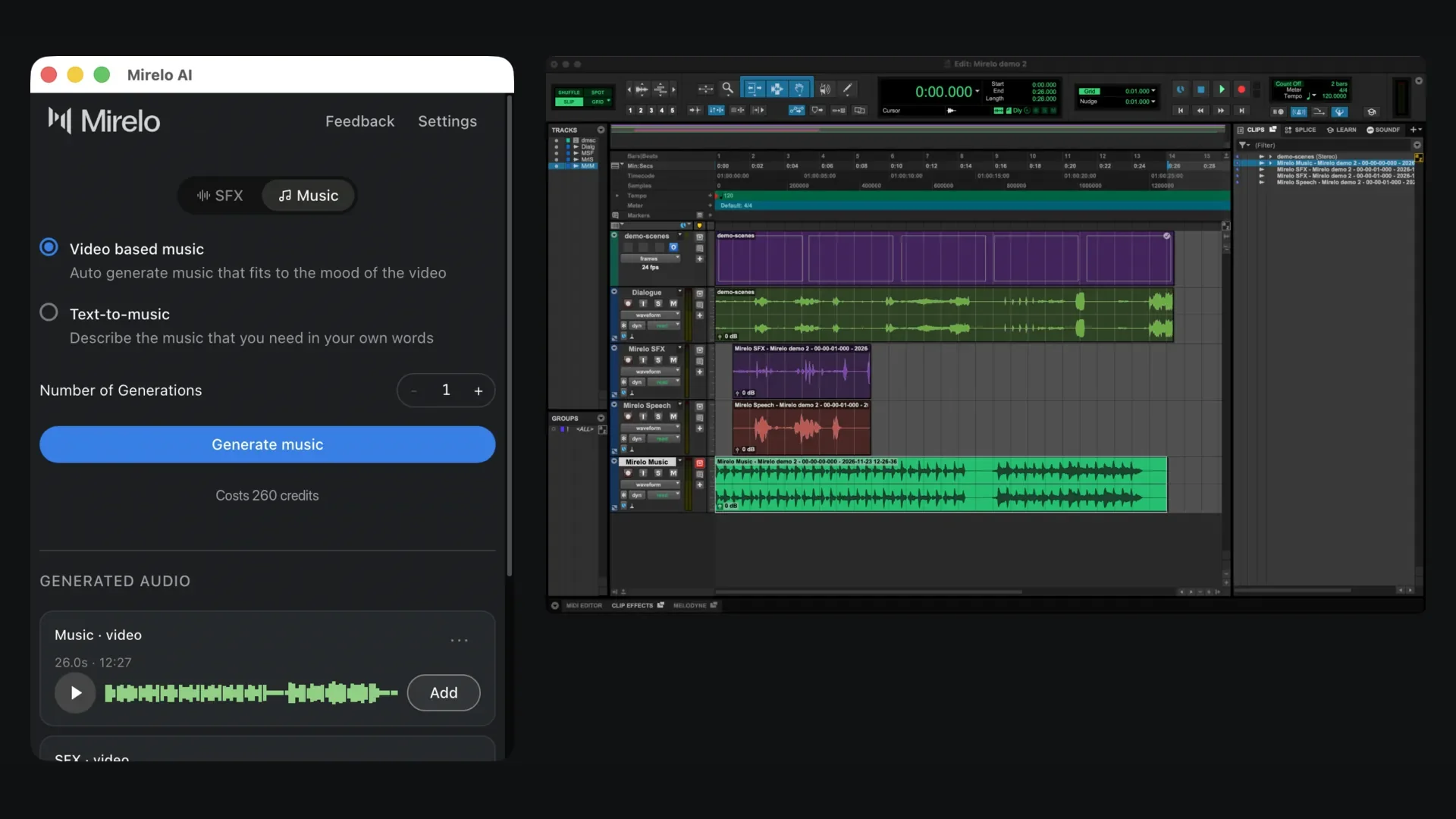
Select part of your timeline in Pro Tools. Mirelo reads the picture and generates matching sound effects and music, with the dialogue on its own track if you want it.
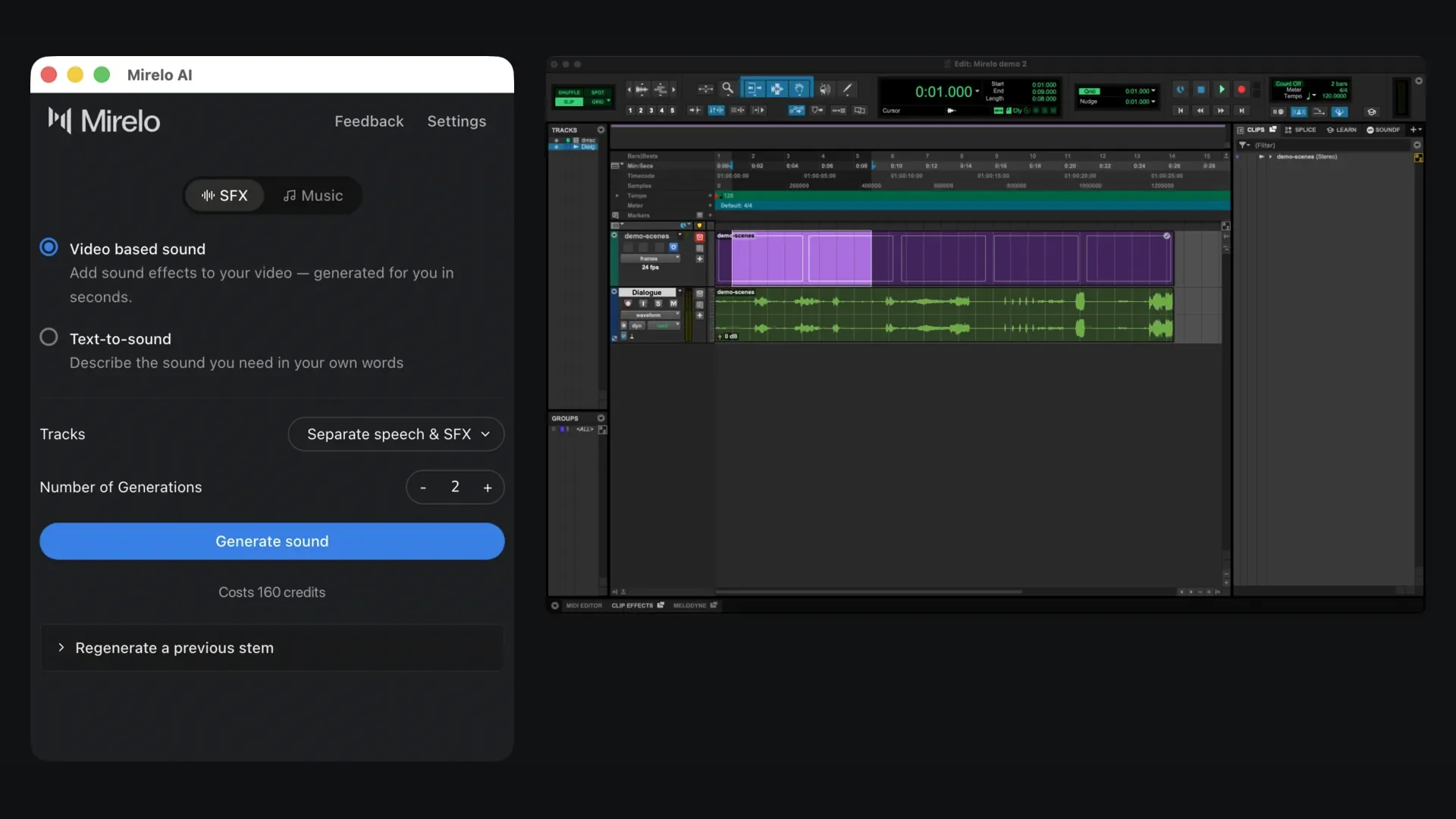
Just describe the sound you need and Mirelo generates it. No library browsing required.
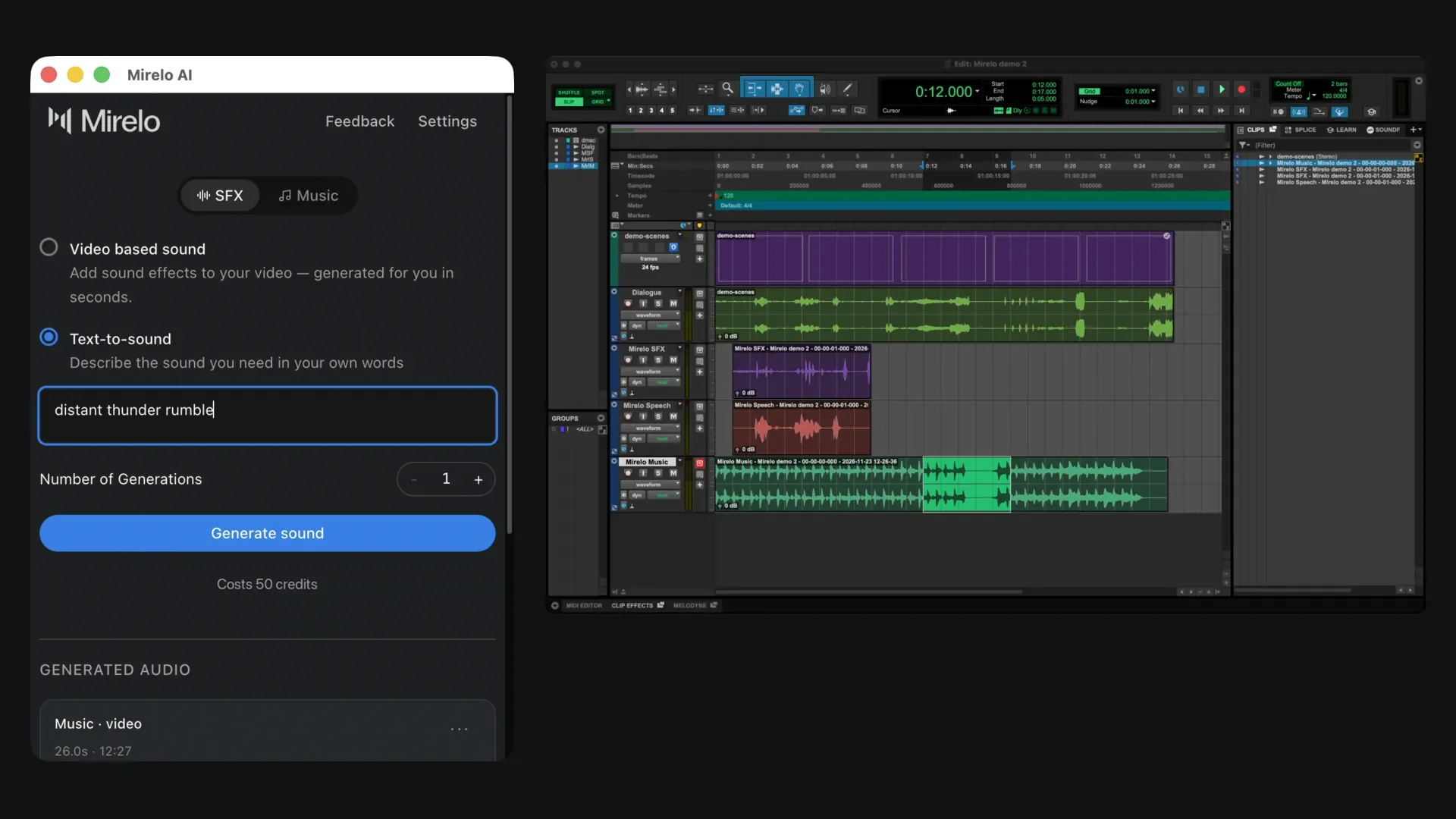
Generated audio lands on new tracks in your Pro Tools session, at your selection and in sync with the picture. No importing, no file management.
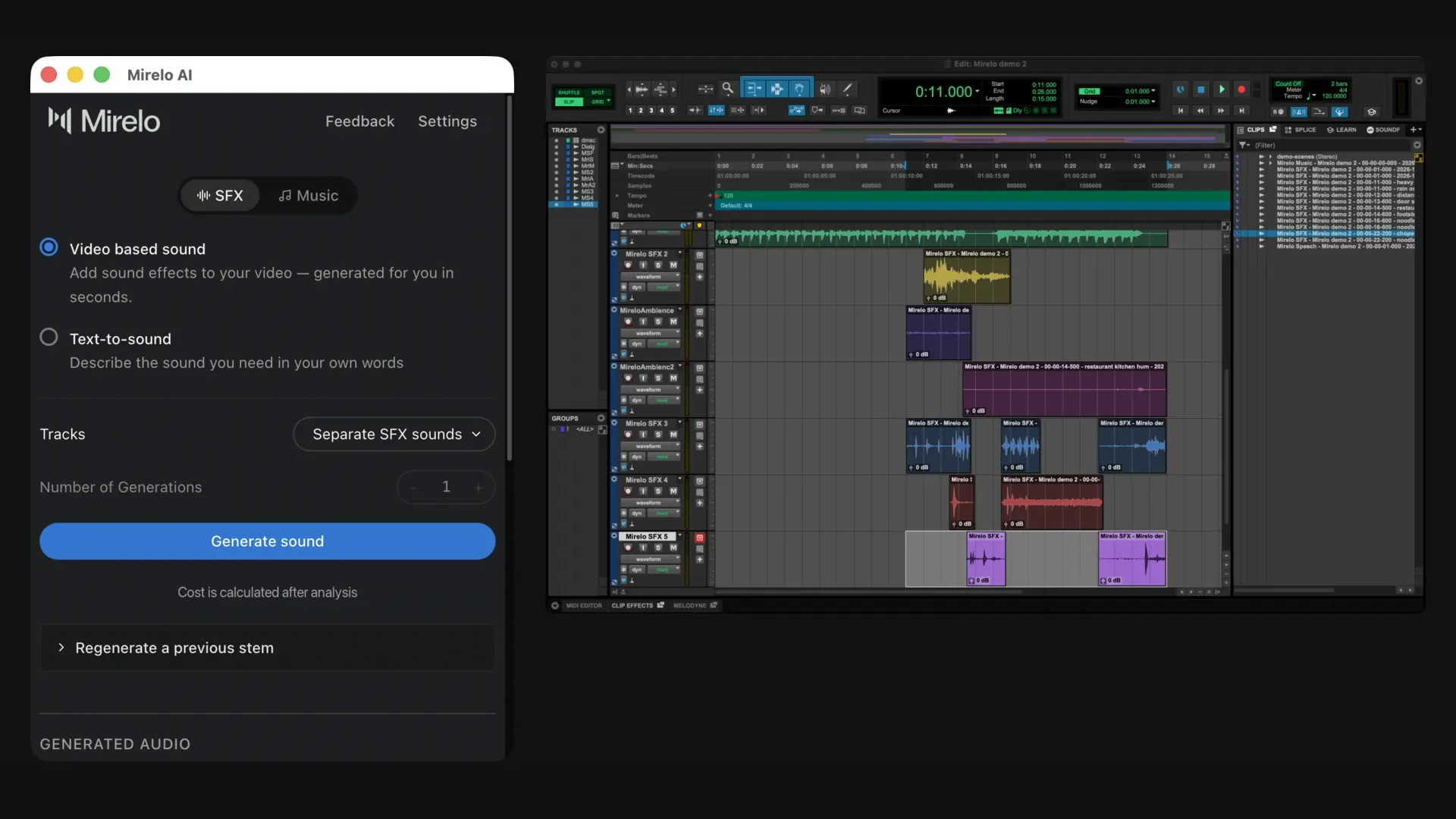
Works with Pro Tools Studio and Ultimate, tested with Pro Tools 2026.11.1 on macOS. Generating from video needs a video track, which both have. Mirelo for Pro Tools runs on macOS and Windows.
Run the installer for your platform: the .pkg on macOS or the setup .exe on Windows. Then open Pro Tools with a session, open Mirelo for Pro Tools and sign in with your Mirelo account.
No. Installing ffmpeg, for example with Homebrew, makes generating from video faster and leaves Pro Tools free while it works. Without it, Pro Tools exports the selection first and pauses until that finishes.
Check our pricing page for the latest information on generation limits for free and paid plans.
By downloading, you agree to Mirelo’s Terms.
Pro Tools is a trademark of Avid Technology, Inc.